Link in Bio
DJ Link in Bio: The Complete Guide for 2026
Your DJ link in bio is the most important piece of digital real estate you own. Here's exactly what it should contain, what tools to use, and how to turn profile visits into confirmed bookings.
By Maxime · · 11 min read
Every time you share a track, post a clip from a set, or drop a flyer on Instagram — the link in your bio is working. It's the single URL that receives every click from a promoter checking you out, a festival booker following up after watching your Boiler Room, or a fan who wants to know when you're next playing. What that link leads to determines whether any of those visits actually convert into anything meaningful.
Most DJs treat the link in bio as an afterthought. A generic Linktree with four links and a stock avatar. What you need — and what this guide explains — is a DJ link in bio page built specifically for how the music industry works: one that captures booking enquiries, communicates your sound, and lets promoters do their job without having to chase you down.
This is the hub guide for the topic. For adjacent decisions, compare the best DJ websites, learn how to make a DJ website, or see the best Linktree alternatives for music artists.
- 83%
- Of booking enquiries start with an online profile visit
- < 3s
- How long a promoter decides whether to stay on your page
- 10×
- More enquiries with a structured booking form vs. email link
- 5 min
- To set up a complete DJ link in bio on bass.fan
 A professional online presence turns every social media post into a potential booking.
What Is a DJ Link in Bio?
A link in bio is the clickable URL in the bio section of your social media profiles — Instagram, TikTok, Twitter/X, YouTube, SoundCloud. Because most platforms only allow a single link, DJs use a dedicated landing page that consolidates everything: music, booking info, events, social links, and press materials.
A generic link in bio tool (Linktree, Beacons, Later) will give you a list of links with a photo and a name. A DJ-specific link in bio page goes further: it includes a structured booking enquiry form, a music widget, an availability calendar, a press kit, and the back-office tools (contracts, invoices) that turn enquiries into confirmed gigs.
What Every DJ Link in Bio Page Needs
There's a minimum viable standard for a DJ link in bio page. Anything below this and you're leaving money on the table. Here's what every serious DJ profile needs — in order of priority.
A structured booking enquiry form
Not a mailto: link. Not your email address. A form that captures: enquirer name and company, event type and date, venue and city, estimated capacity, budget range, and any additional notes. This qualifies enquiries from the first contact — no more emails saying "hi I have an event, how much?" with zero context.
A music widget — not just SoundCloud links
A properly embedded music player with artwork and a direct play button. For DJs: your best promo mix, prominently placed. It should autoplay on click without opening a new tab. If a promoter has to leave your page to hear what you sound like, most of them won't bother.
An availability calendar
Show promoters your open dates in real time. This reduces the most common source of wasted back-and-forth: enquiries for dates you're already booked. Confirmed bookings automatically block out your diary. Promoters see what's available and submit enquiries with confidence.
A press kit
Your professional bio in two lengths (short for festival listings, long for media), high-resolution press photos (downloadable), and any press quotes or coverage. Keep it up to date. An outdated press kit with photos from three years ago communicates that you're not actively managing your career.
Your rider
Technical and hospitality requirements, directly accessible from your link page. Venue technical teams increasingly check for riders online before a show — not having one forces extra communication and signals inexperience. On bass.fan, your rider is a dedicated section that you can share via a direct link or password-protect for industry contacts only.
Your upcoming events
Formatted the way the industry reads them: date, venue name, city, ticket link. If you have no upcoming events, hide the section — an empty events list communicates the wrong thing. When you're active, it communicates momentum and tells promoters you're bookable.
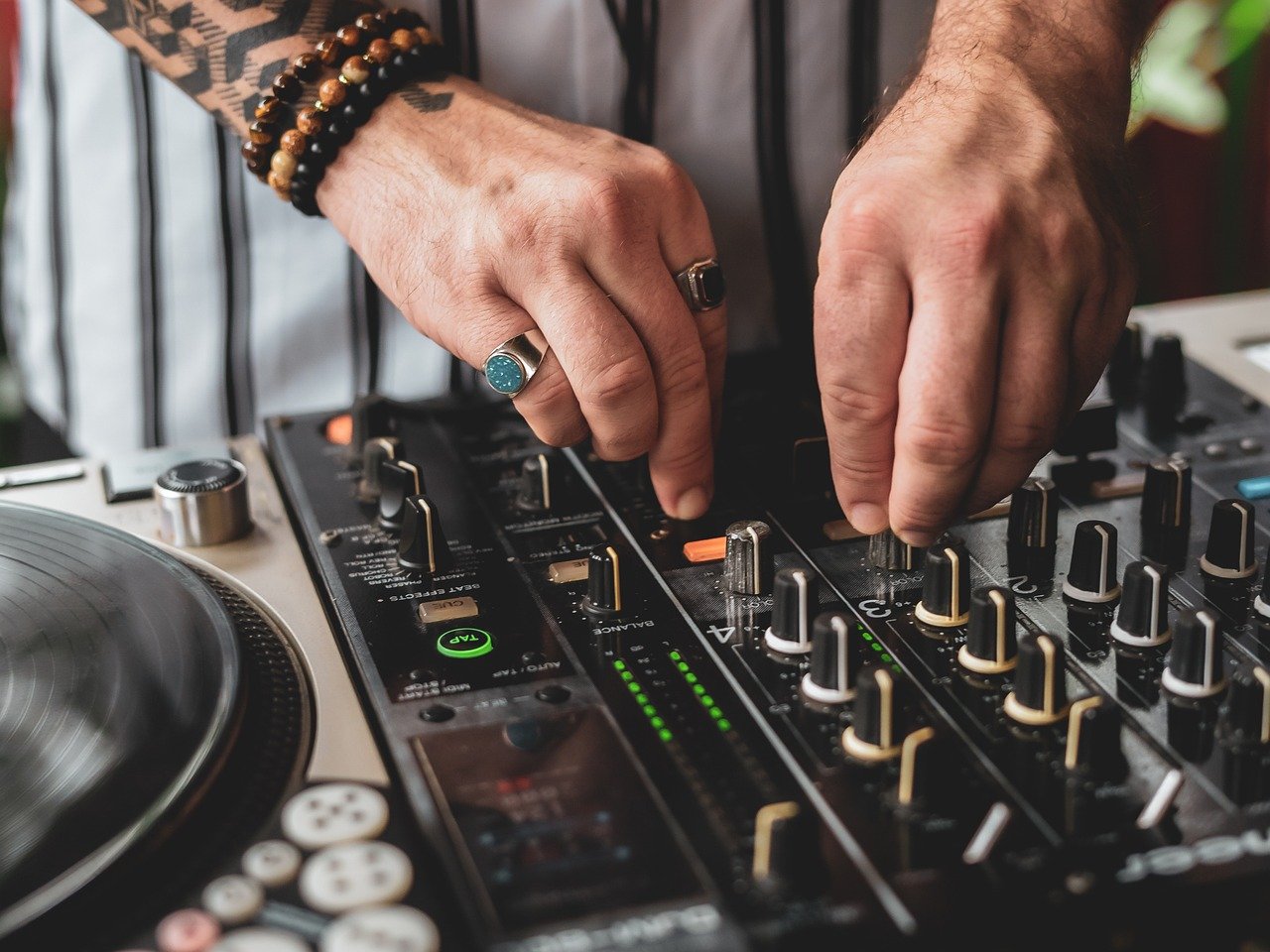 Your equipment is professional. Your link in bio should be too.
What a DJ Link in Bio Page Should Not Be
- A list of streaming platform links — these belong on your music page, not as the primary content of your link in bio. A promoter visiting your profile doesn't want to choose between Spotify and Apple Music. They want to hear a mix and know how to book you.
- A Linktree in default purple — this communicates that you haven't invested in your professional presentation. The tool is free and takes five minutes. Using the default template says you spent exactly five minutes on it.
- An email address — "book me at: djname@gmail.com" is the fastest way to receive unqualified enquiries, lose track of conversations, and miss gigs because an email got buried. Use a booking form.
- An empty page — no bio, no photo, no music, just a name and a few links. This is worse than not having a page at all.
- A page that hasn't been updated in 6+ months — outdated events, stale press photos, and an old mix at the top of the page all communicate that you're not actively managing your career.
How to Choose the Right DJ Link in Bio Tool
The tool you choose will determine what's possible on your link in bio page. Here's the honest comparison between the main options.
| Tool | Built for DJs? | Booking form | Music widget | Contracts | Price |
|---|
| bass.fan | ✓ Yes | ✓ Structured | ✓ SoundCloud + streaming | ✓ Free | Free |
| DJLink.me | ✓ Yes | ✓ Yes | ✗ No | ✗ Pro only ($19.99/mo) | $0–$19.99/mo |
| Linktree | ✗ Generic | ✗ No | ✗ No | ✗ No | $0–$24/mo |
| Beacons | ✗ Generic | ✗ No native booking | ✓ Basic embed | ✗ No | $0–$10/mo |
| Squarespace Bio | ✗ Generic | ✗ No | ✗ No | ✗ No | Free |
| Carrd | ✗ Generic | ✗ No native | ✗ No | ✗ No | $9–$49/yr |
Setting Up Your DJ Link in Bio on bass.fan
Getting a professional DJ link in bio live on bass.fan takes under an hour. Here's the complete setup sequence.
- Claim your profile URL — go to bass.fan/signup and choose your custom link (yourname.bass.fan). This is your permanent link in bio URL. Choose your DJ name exactly as you want it to appear everywhere.
- Upload your profile photo and set your cover image — use a high-quality press photo (not a phone selfie). Your cover image should be atmospheric: live performance, studio, or a piece of artwork. This is the visual first impression that determines whether a visitor scrolls.
- Write your bio — two versions: a 2–3 sentence short bio for the top of your profile, and a longer press bio (150–250 words) for the press kit section. Your bio should answer: genre/sound, experience level, notable bookings or releases, and where you're based.
- Embed your best mix — connect SoundCloud and feature your strongest promo mix at the top of your music section. This is what promoters will judge you by. Make it your best work, not your most recent.
- Set up your booking form — customise the fields to capture the information you actually need. At minimum: contact name and company, event type, date, venue, capacity, budget. Enable email notifications so you hear about new enquiries immediately.
- Enable your availability calendar — mark your upcoming confirmed bookings as unavailable. Show your open dates. This single step dramatically reduces wasted back-and-forth with promoters.
- Add your rider — upload your technical and hospitality requirements. If you don't have a rider yet, bass.fan's templates give you a starting point.
- Add your social links — Instagram, TikTok, YouTube, SoundCloud, Spotify, Beatport. These sit in the header of your profile page and in the social section. Keep it to the platforms where you're actually active.
The Complete DJ Link in Bio Checklist
- Professional profile photo and atmospheric cover image
- Short bio (2–3 sentences) and full press bio (150–250 words)
- SoundCloud or streaming music widget with your best promo mix featured
- Structured booking enquiry form with all relevant fields
- Availability calendar with upcoming bookings blocked out
- Upcoming events section (or hidden if no upcoming shows)
- Press kit with downloadable press photos and press quotes
- Technical and hospitality rider
- Social links for all active platforms
- Contact/agent information clearly visible
- Custom URL claimed (yourname.bass.fan)
How to Use Your DJ Link in Bio Effectively
Having a great link in bio page is half the job. The other half is making sure it's visible and that every touchpoint routes people there.
- Put it everywhere — Instagram bio, TikTok bio, Twitter/X, YouTube About, SoundCloud header, Beatport artist page, Mixcloud profile, email signature, WhatsApp status
- Mention it in set videos — a simple caption: "full booking info + mix at bass.fan/yourname" converts set video viewers into profile visitors
- Share it with promoters directly — instead of sending your EPK as an email attachment, send your bass.fan link. Everything they need is there, always up to date
- Use it on physical materials — flyers, business cards, setlist stickers. A QR code linking to your bass.fan profile on physical materials converts offline contacts into online connections
- Keep it current — update your events section, add new press photos each season, feature your most recent mix at the top
The promoters who book me consistently tell me they always check the link in my bio before reaching out. If it's professional and has everything they need, they send the enquiry. If it's a generic Linktree, they move on.
bass.fan DJ
Frequently Asked Questions
Frequently Asked Questions
What is a DJ link in bio?
A DJ link in bio is a dedicated landing page linked from your social media profiles that consolidates your professional DJ presence: music, booking form, availability calendar, press kit, upcoming events, and rider. It's the single URL that handles every type of visit — from a promoter checking your availability to a fan looking for your next show.
Which is the best link in bio for DJs?
bass.fan is the best link in bio for DJs because it's the only tool built specifically for the music industry that includes a structured booking form, music widget, availability calendar, press kit, rider, contracts, and invoices on the free tier. Generic tools like Linktree, Beacons, or Later are built for content creators and influencers — they don't include any DJ-specific booking workflow.
Can I take booking payments through my DJ link in bio?
Yes, on bass.fan you can integrate Stripe Connect to take booking deposits directly through your profile. When a promoter submits an enquiry and you confirm the booking, you can send a contract for e-signature and request a deposit payment — all from the same platform, without using a separate payment tool.
What should my DJ link in bio URL be?
Use your DJ name exactly as it appears everywhere else: bass.fan/yourname, or yourname.bass.fan. Consistency matters — if your Instagram handle is @djname, your link in bio URL should match. Avoid hyphens, numbers, or underscores if you can help it. If your exact name is taken, use your name without "dj" as a prefix — bass.fan/firstname is cleaner than bass.fan/dj_firstname_2.
How often should I update my DJ link in bio?
At minimum: add new events as they're confirmed, mark dates as unavailable when you're booked, and update your featured mix when you release a new promo. Do a full profile review every 3–6 months: fresh press photo, updated bio, new achievements added. A link in bio page that hasn't been updated in over a year tells visitors you're not actively managing your career.
Do I need a separate website if I have a DJ link in bio on bass.fan?
For most working DJs, a fully set-up bass.fan profile is everything they need. It functions as your link in bio, your DJ website, your press kit hub, and your booking system. You only need a separate full website if you have specific requirements that bass.fan doesn't cover — a custom-built design, a separate merch store, or a content-heavy blog.
Claim your BassFan profile